Boat cards, captured — snap the stack, search it forever
Every Looper trades boat cards, and every Looper ends up with a stack no one can search. Now your phone turns that stack into a crew list — who you met, their boat, their contacts, and where on the Loop you shook hands.
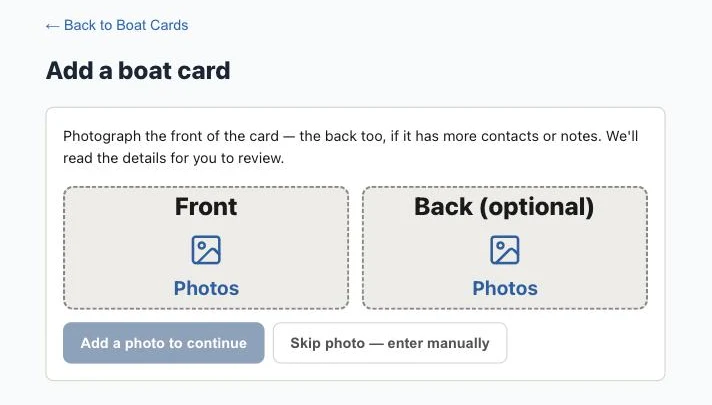
Two photos, whole stack
Lay the cards out, take one photo of the fronts and one of the flipped backs. Each card is read for you — boat name, home port, the people aboard (kids and pets included), phones, emails, AGLCA number, even handwritten notes. A quick review screen lets you fix anything before it saves.
It remembers where you met
Every card automatically records the marina or anchorage and the date from your trip — so later you can jump straight to the facility page or open the spot in your maps app.
Search like you think
“That couple from the fuel dock” works: search by boat, name, marina, town — even the waterway where you met.
Where to find it
Tools → Boat Cards, built phone-first. Use the camera or your photo library, drag a photo in from Messages, and crop each card right on the screen. Available to everyone starting today.