Boat cards, chapter two — the map, the call button, and a card of your own
Collecting the cards was the first half. Now you can see everyone you've met on a map of the Loop, call or text them from the card, find anyone however you half-remember them — and hand back a card of your own.
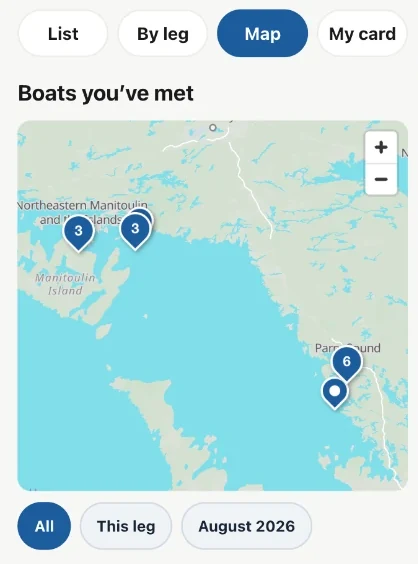
Everyone you've met, on the map
Boat Cards now has a Map. Every card sits where you met that boat, so a season of docktails becomes a picture of your Loop. Meet six boats at the same marina and they share one pin with a 6 on it — tap it and all six are listed with their cards, their names and the day you met.
Filter to the stretch of water you're cruising now, or to this month, when you want the map to answer a narrower question.
Text them back
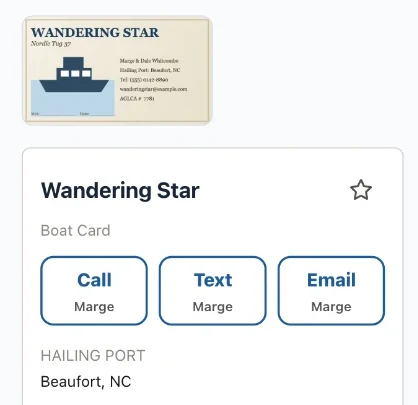
The whole point of keeping a number is using it. Card faces now have Call, Text and Email buttons that hand straight off to your phone. Only the ones the card actually has show up, and the first name sits under each button so you know who you're about to ring.
When a card has two people with different numbers, tapping asks which one — as a plain list, not a guess.
Find anyone, however you remember them
Search now matches every word you type, in any order, anywhere on the card. "Sound big" finds Big Sound Marina. "Gild knot" finds Knot Supersonic through the owner's surname. Half a word is enough.
You can star the boats you'll want again, and the ones you starred sit at the top alongside a row of who you met most recently.
Who you met, leg by leg
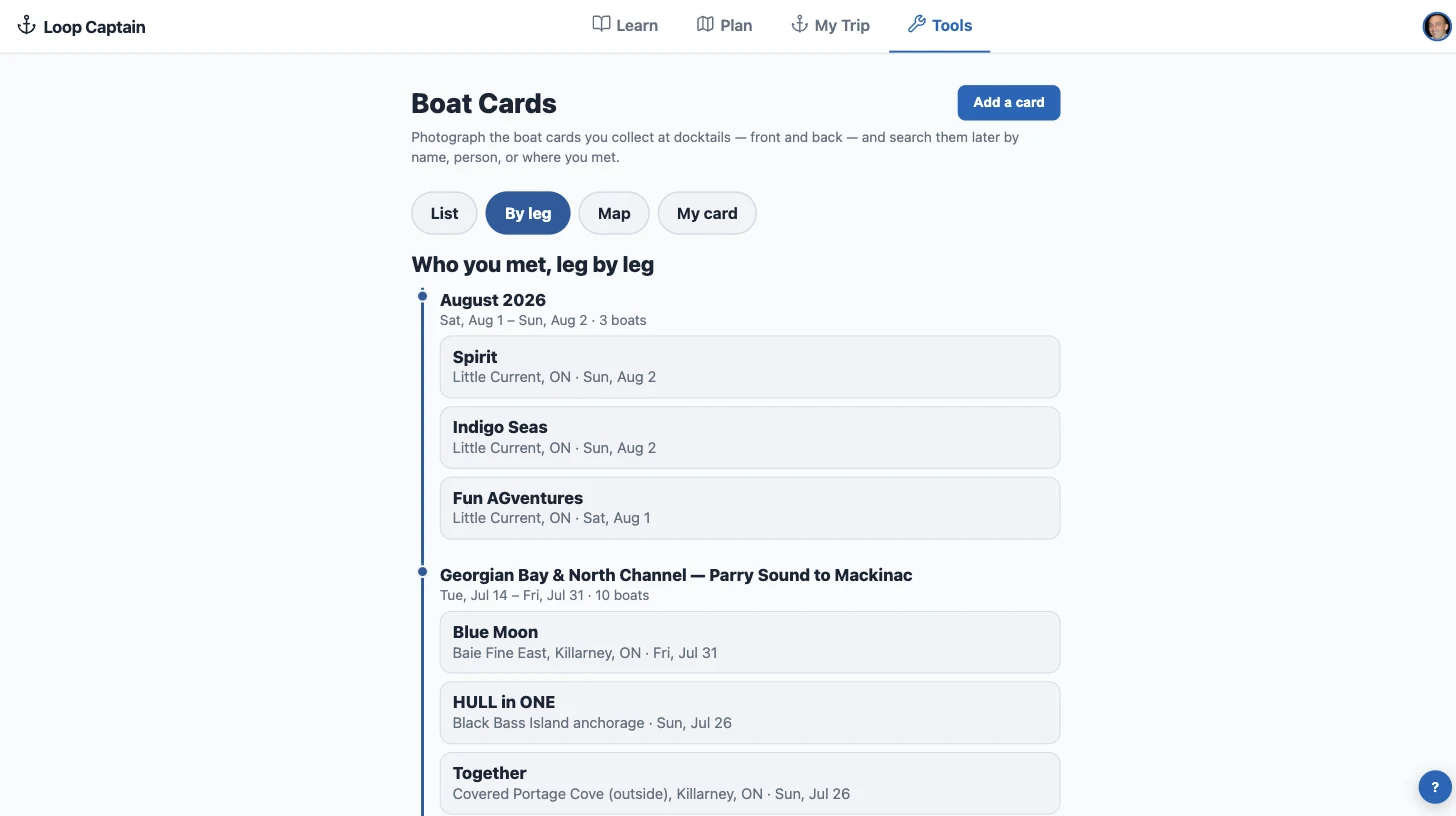
A By leg view groups your cards under the stretch of the Loop where you met them — the Trent-Severn crowd, the North Channel crowd — newest first. Cross wakes with the same boat twice and it says so, and shows up under both legs.
Somewhere you've tied up before
Dock where you've collected cards before and Boat Cards says so quietly: you've met two boats here before, with their names and when. Tap through to their cards. It's a line in the app when you go looking — never a notification while you're docking.
A card of your own
Someone hands you a card and you've got nothing to hand back. Set up My card once — your boat, your crew, your numbers — and you have two ways to pass it on: copy your details as plain text to paste into a message, or send the contact straight into their phone's address book.
It lives behind a My card button on the Boat Cards screen, out of the way until you need it.
Better captures, smaller photos
Photographing a card got sharper in every sense. The card's corners are found for you and the photo is flattened square-on, so a picture taken at an angle still reads cleanly — nudge a corner if it needs it. Cards carrying a QR code have it read automatically. And stored photos dropped from roughly a megabyte a side to under a tenth of that, with no loss you'd notice on a phone.
The card is also saved the moment you press Save this card, so nothing can be lost by closing the app mid-review. Anything still to check wears a badge until you confirm it.
Put it on your home screen
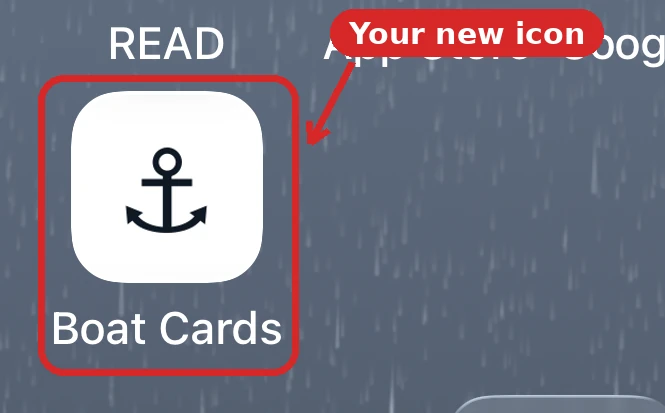
Boat Cards can live on your phone's home screen as its own icon, next to your other apps. Tap the anchor and you land straight in your cards — full screen, no browser bar, no Loop Captain home page to get past. It feels like a dedicated app because at that point it behaves like one, which is what you want when the cards are coming out at the dock and you're holding a drink in the other hand.
It takes about a minute. On an iPhone it has to be Safari, and there is one odd step you can't skip — the guide walks through it with pictures.
One fix worth mentioning
When you edited a card, the Save button could sit below the bottom of the screen — so it was possible to make changes, leave, and lose them without being told. Save now stays on screen wherever you scroll, and leaving with unsaved changes asks first.