New: Loop Captain for iPhone and iPad
Loop Captain is now a free app for iPhone and iPad, made by Loopers for Loopers. Sign in and your boat, your trip and your log are already there.
Free on the App Store
Loop Captain for iPhone and iPad is free on the App Store. It's made by Loopers for Loopers, and it keeps getting better from the feedback you send us.
Sign in with your Loop Captain account and your boat, your trip and your log are already there.
My Trip
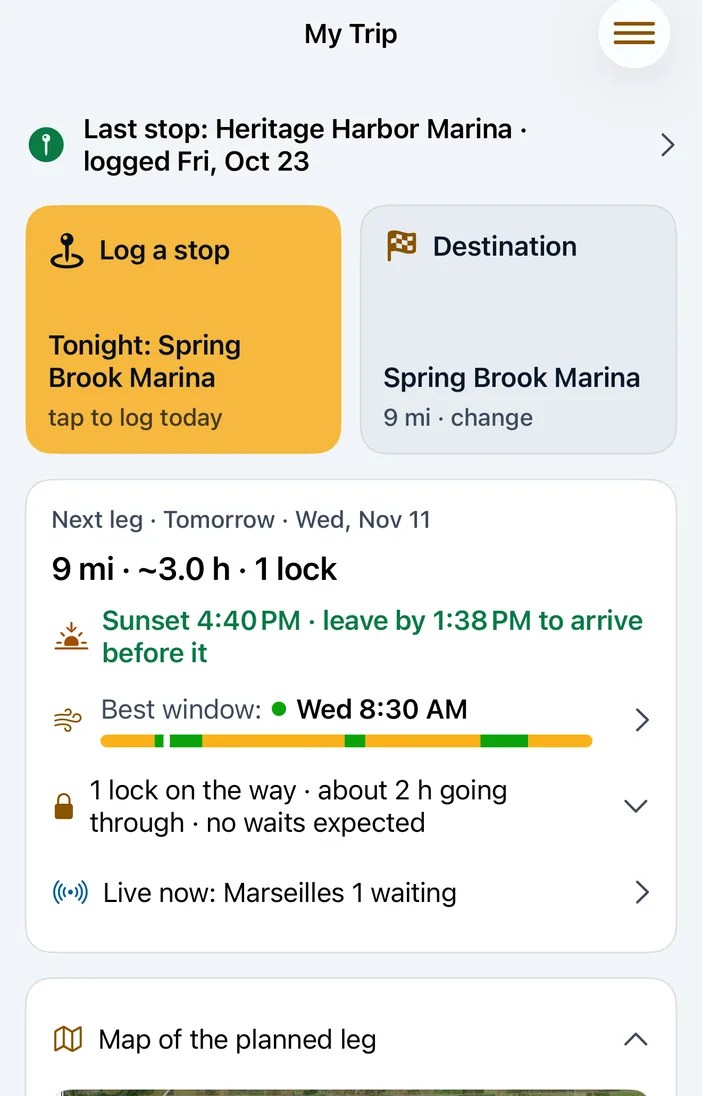
Where you tied up last, where you're headed next, and whether the next leg works: the miles and hours, the locks and bridges on the way, the wind along the route, sunset and a leave-by time.
Plan around dates keeps the trip on track for the days that matter: a guest flying in, a haul-out, a holiday.
Log a stop and your expenses
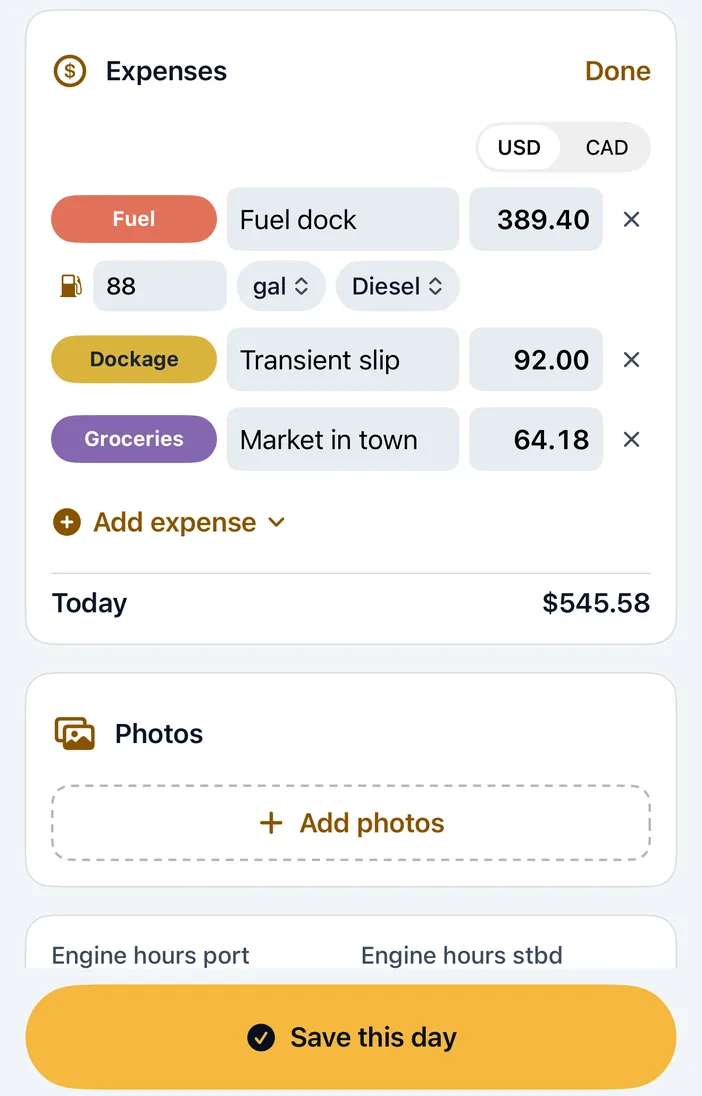
Log tonight's stop in a couple of taps, and add what you spent as you go: fuel (gallons, price, diesel or gas), dockage, groceries. Pump Out is one of the standard categories, and you can add your own (ice cream counts).
The Loop › Dashboard adds it all up: miles, days and spending.
Boat Track
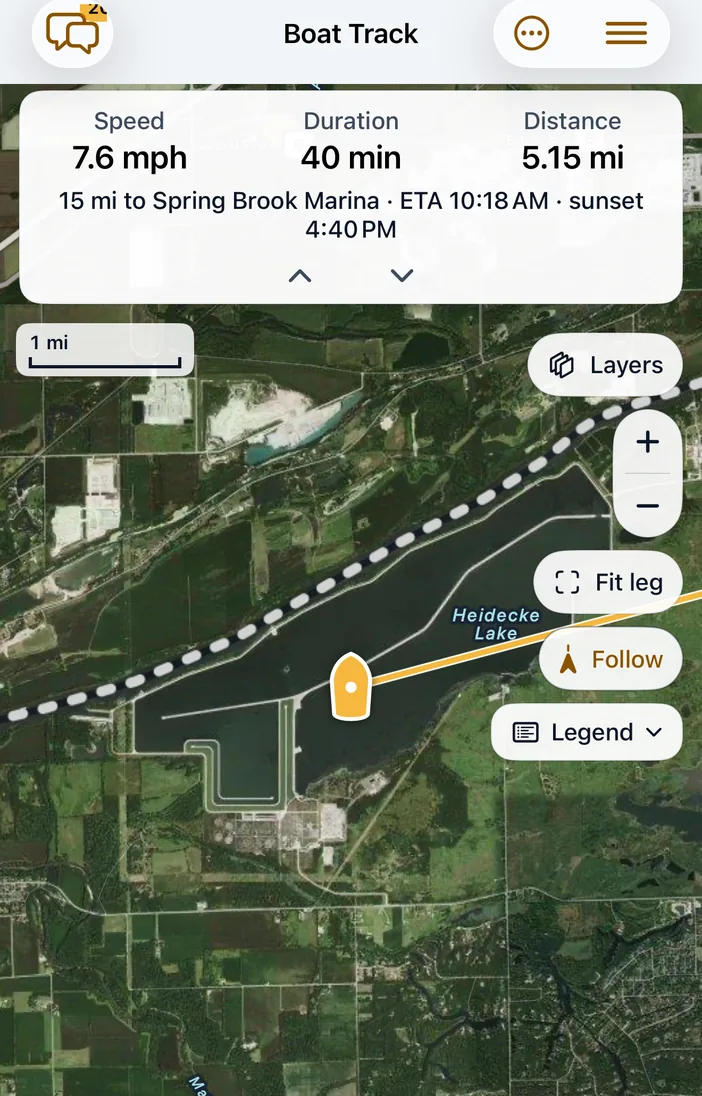
Your phone becomes the boat's tracker. Start a leg and the chart follows you, with distance to go, ETA and sunset.
It asks "Under way?" when you leave and "Arrived?" when you stop, and each leg is saved to your log, photos included. Send family a link so they can follow along.
Already have an external boat tracker? Pick it as your position source instead.
Captains nearby and chat
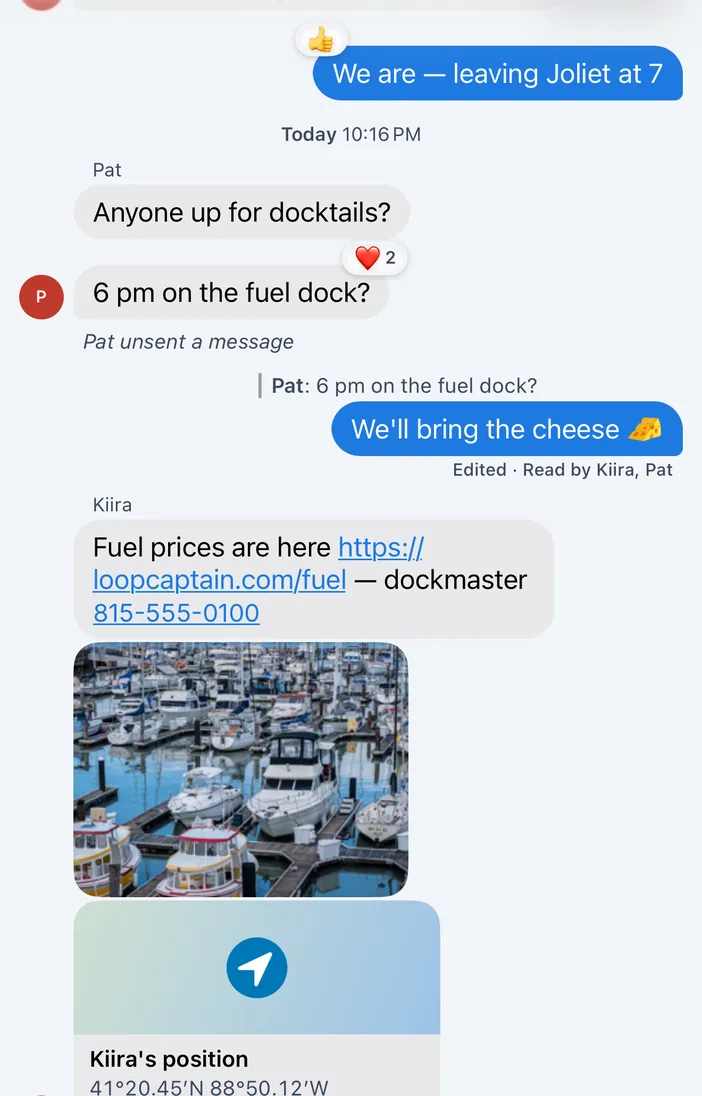
Show your boat to captains on Loop Captain, only if you choose to, and see who's in the harbor.
Chat the way you do in Messages: replies, reactions, photos, and pasting an image you copied.
Weather Planner
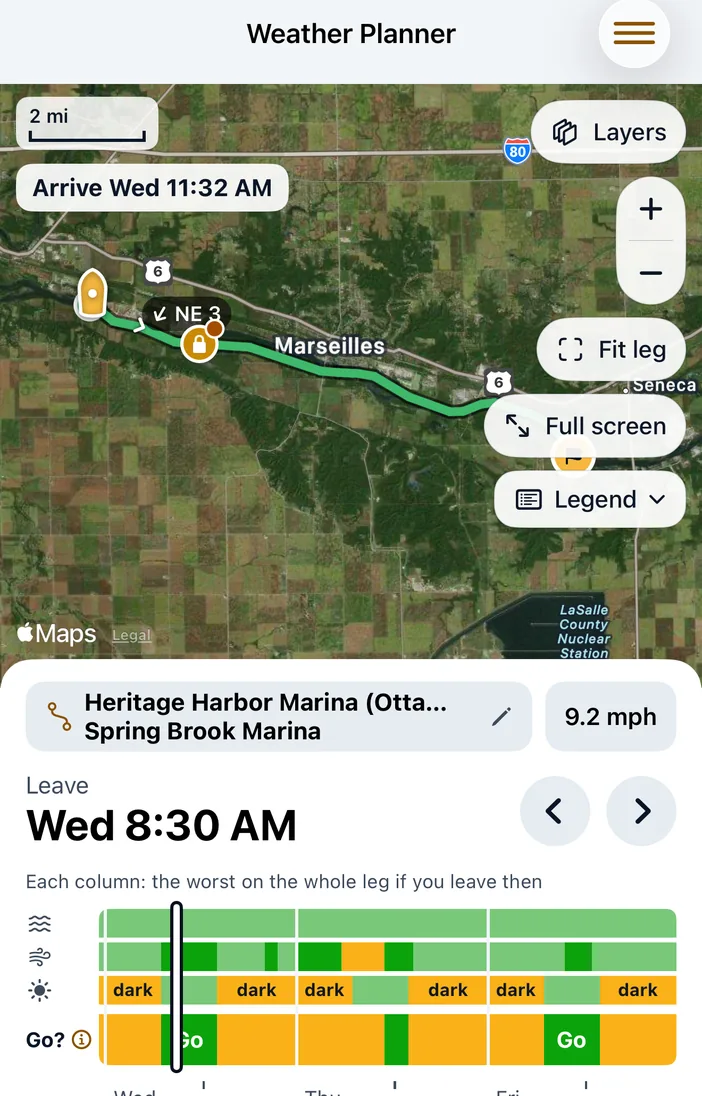
Should you go? Pick a leave time and see wind and gusts hour by hour along the whole route, with a plain "Go?" for every hour. The go call is always yours.
Where a leg can go outside, compare Inside (ICW) and Offshore: miles, time and seas.
Lock & Bridge Planner
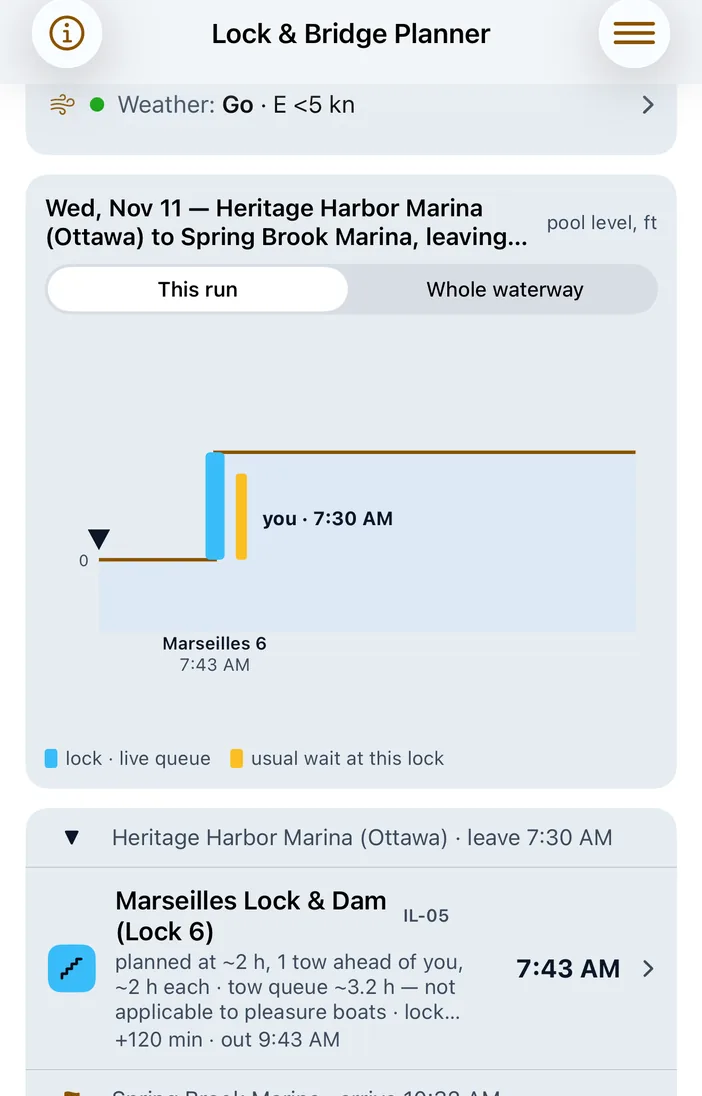
Every lock and opening bridge on your run, with recent waits, drawn as a staircase you can read at a glance. Longer runs are planned day by day.
Live Locks
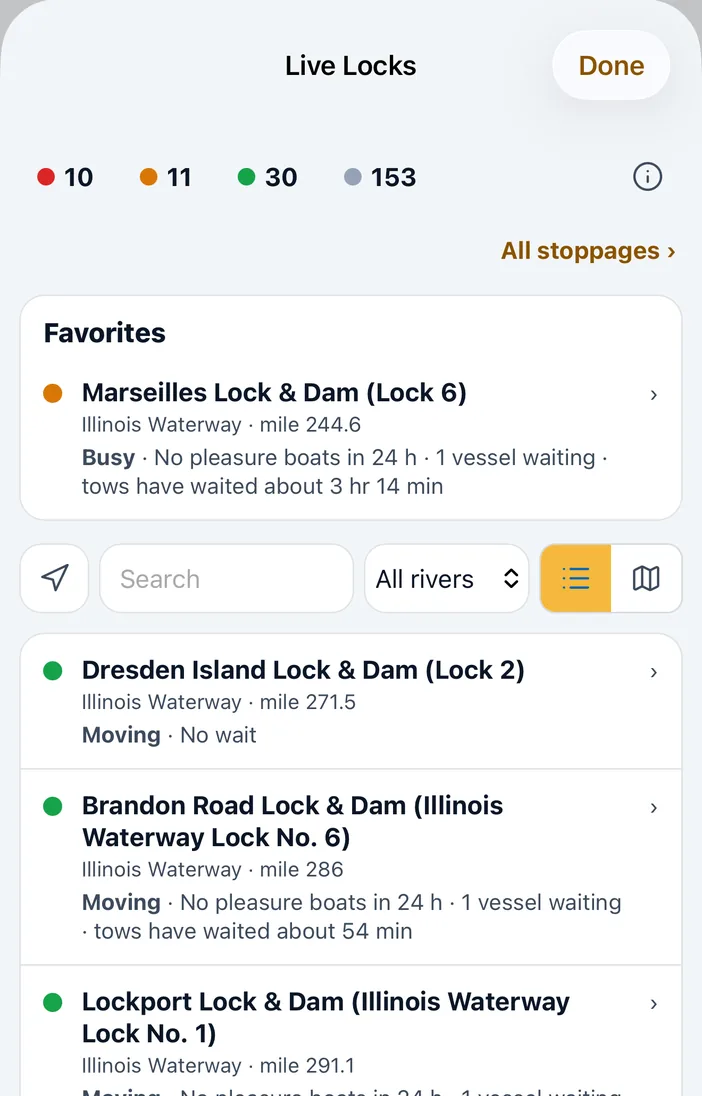
Who's waiting and who's locking through right now, Corps of Engineers stoppages, and the locks you starred at the top.
Anchor Watch
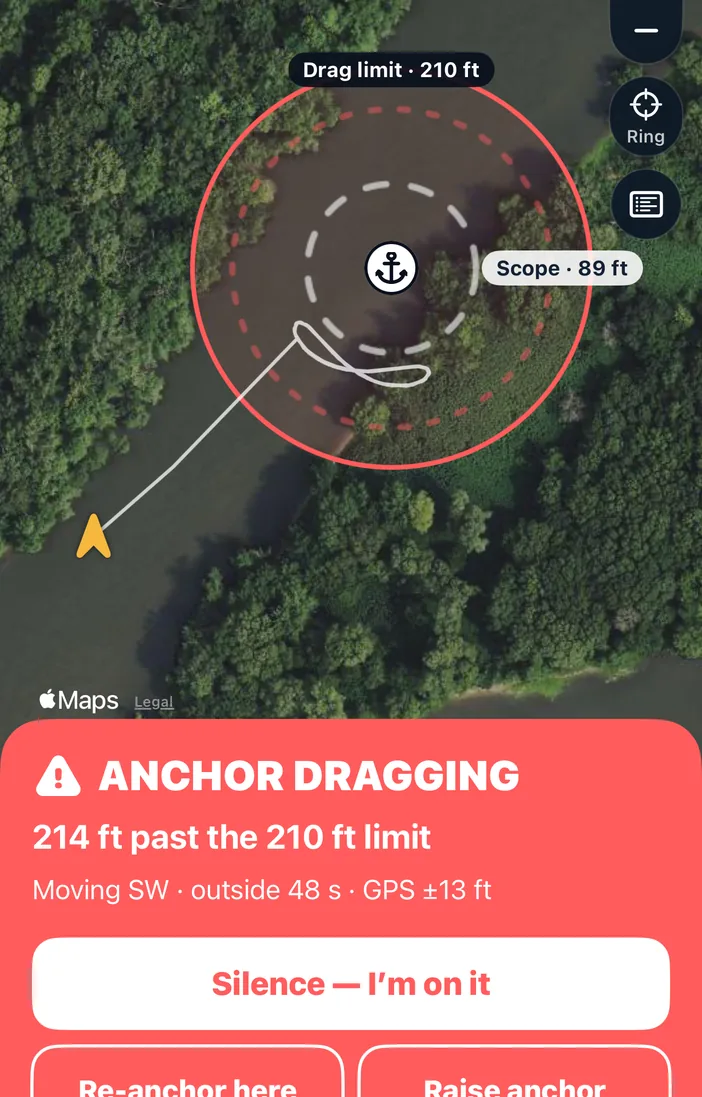
Drop the anchor and set a drag limit. Your phone watches the boat on its own GPS, no cell signal needed.
It rings like an alarm clock, even on silent, if the anchor drags, the GPS is lost or the battery runs low.
Boat Cards
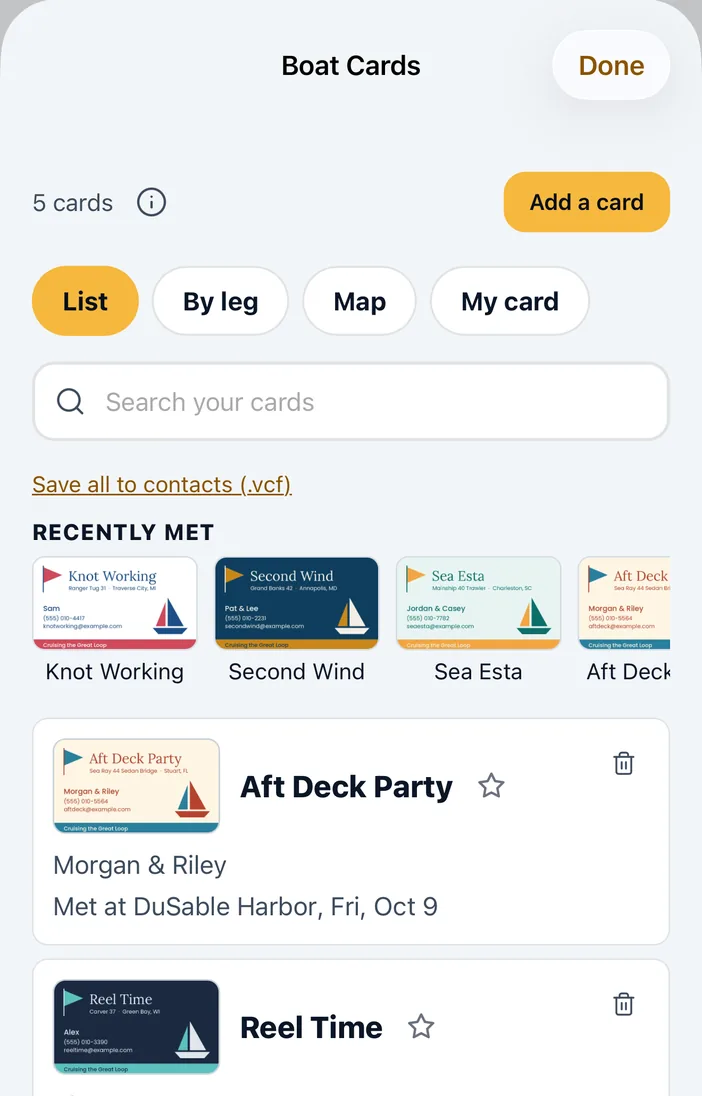
Photograph the boat cards you collect at docktails. Loop Captain reads each card, remembers where you met, and finds it again when you search.
Fuel, the whole Loop, and learning
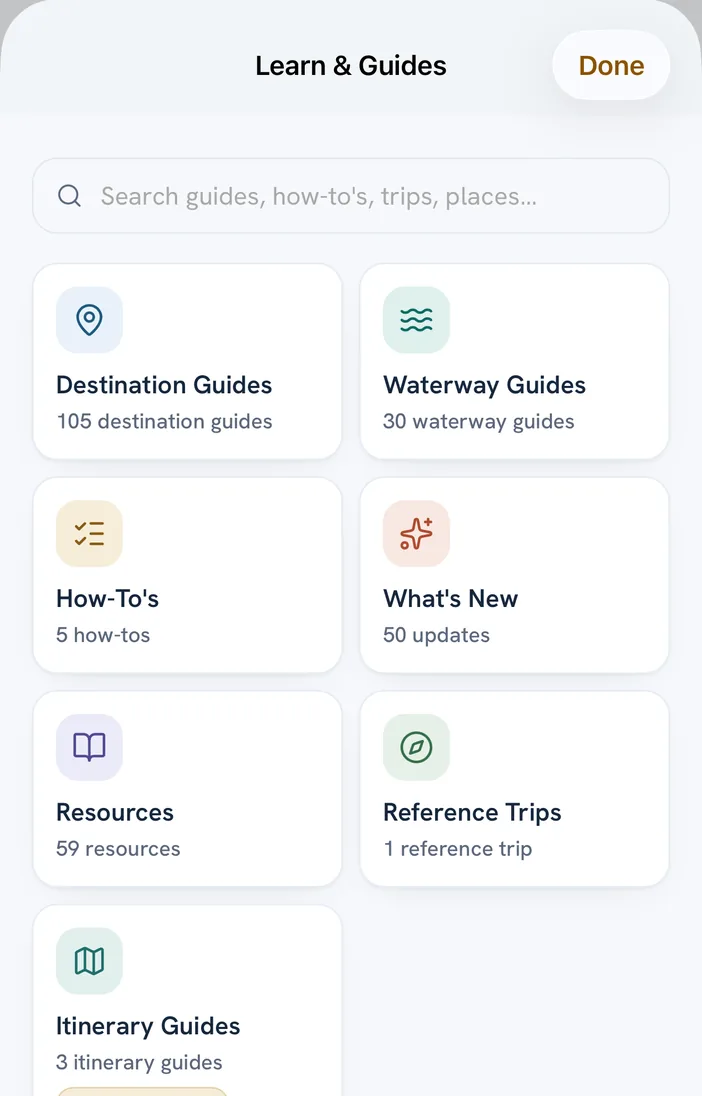
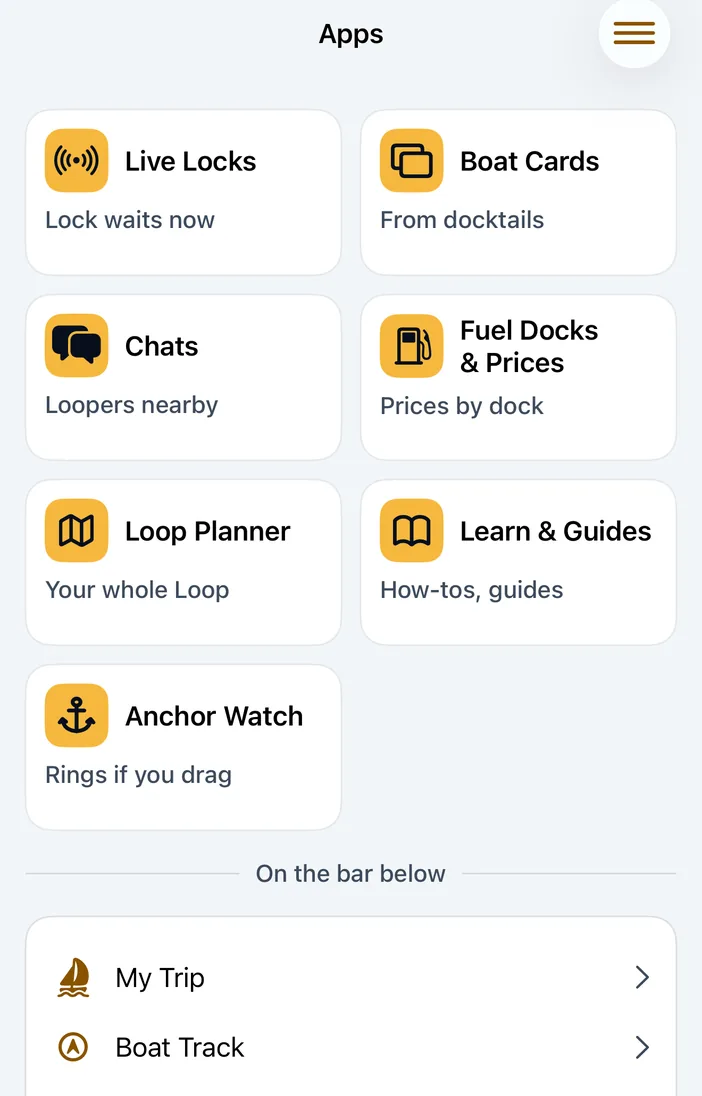
Fuel Docks & Prices, the Loop Planner for the whole trip, and Learn & Guides (destination and waterway guides, how-tos and itineraries) are all in the Apps tab.
Notifications
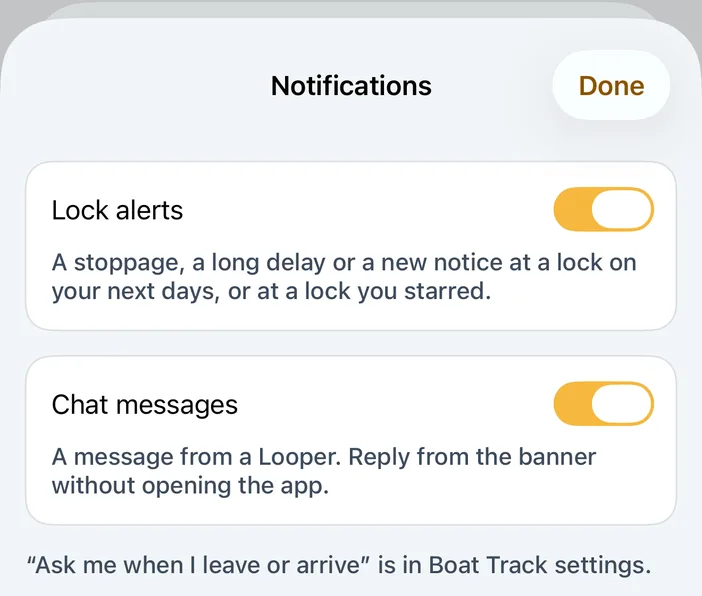
Alerts for a stoppage or long delay at a lock on your next days, new chat messages you can answer from the banner, and a nudge when you leave or arrive. Turn each one on or off.
iPad, Dark or Light
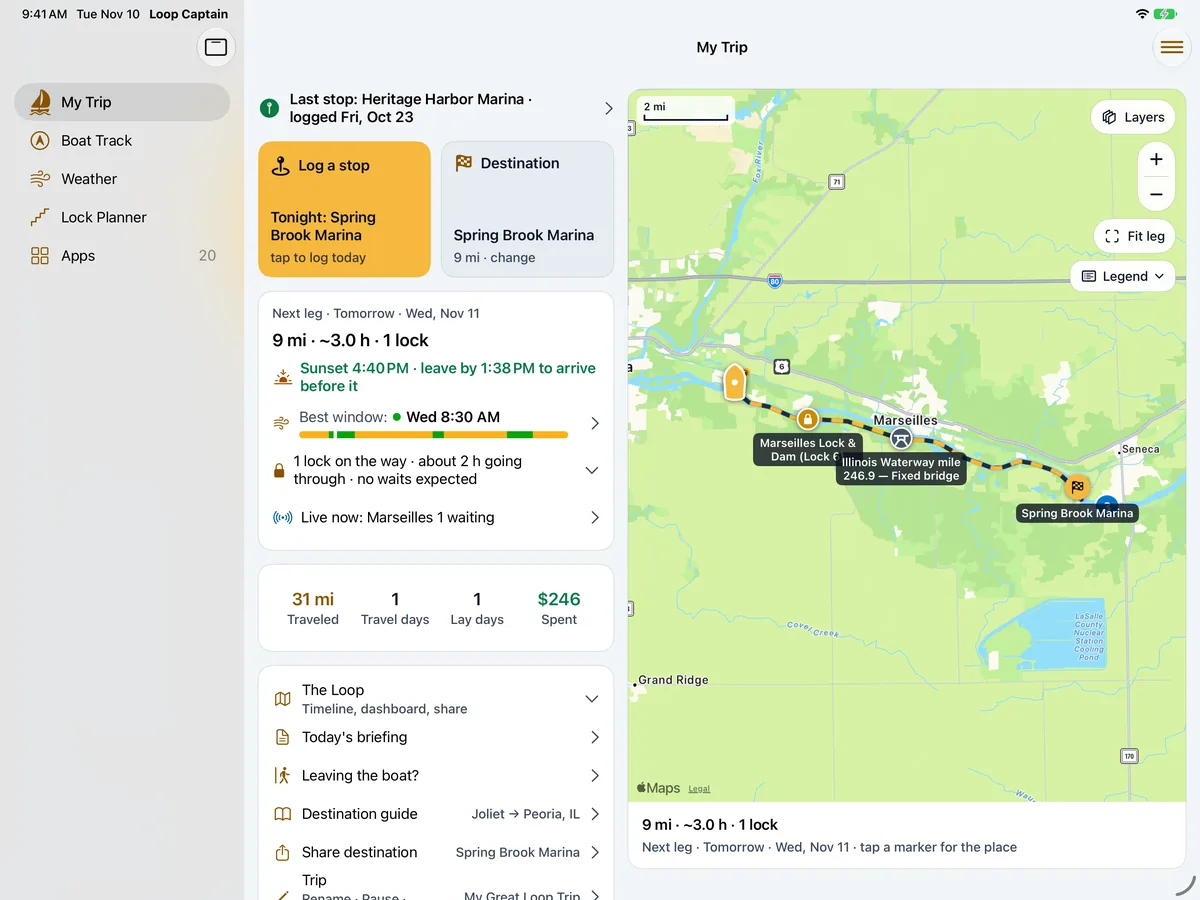
On iPad the map sits beside the details. Choose Dark, Light (easy to read in bright sun on deck) or Match phone, and larger text works across the app.
One trip, everywhere
Your trip is the same on loopcaptain.com, your iPhone and your iPad. Log on one, see it on the others.
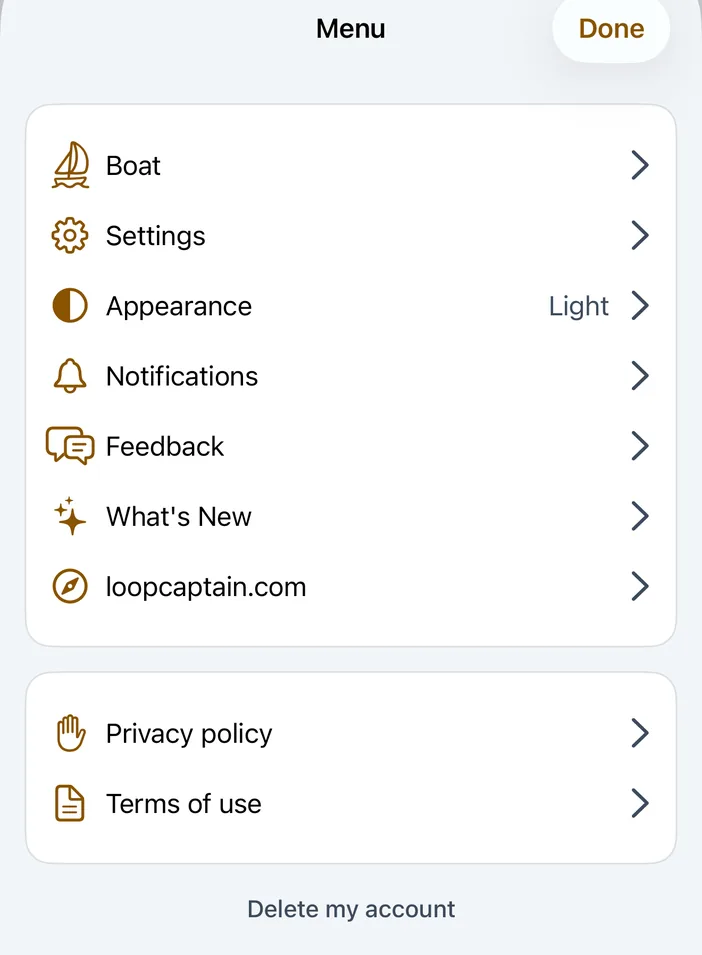
Your log is yours: it's private unless you share it, and you can delete your account from the menu at any time.